Want something easy to read and digest about smartphone and camera? Discover Your Gadget (Dygadget) is what you looking for!
We simplify all specification for easy reading and understanding as well! We did review for smartphone and camera honestly and more on layman terms.
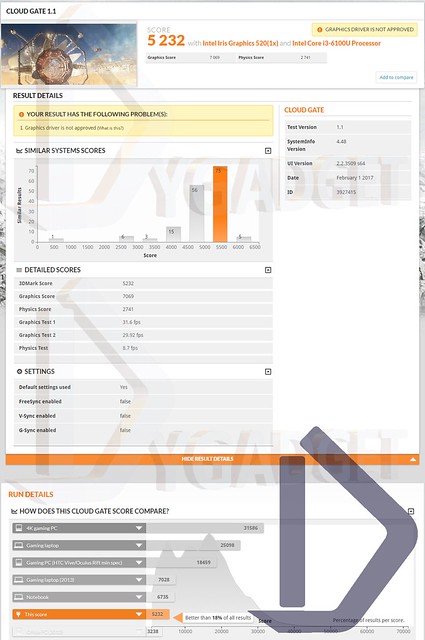
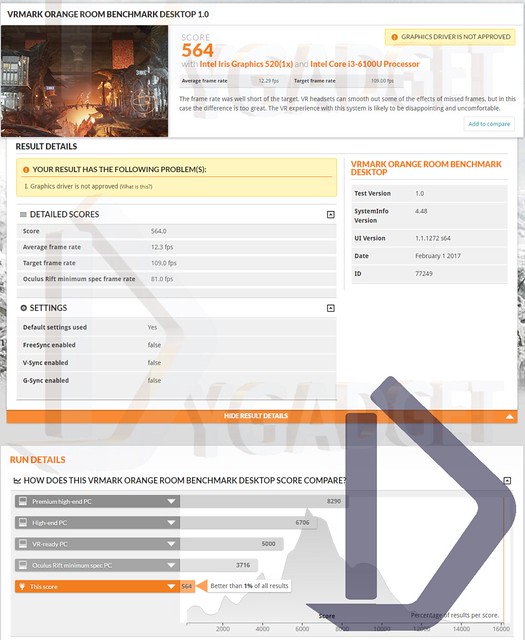
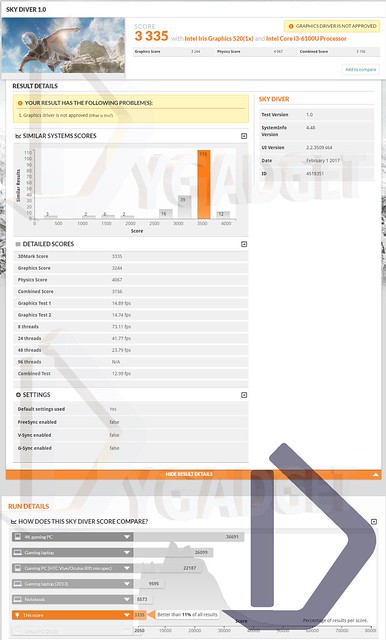
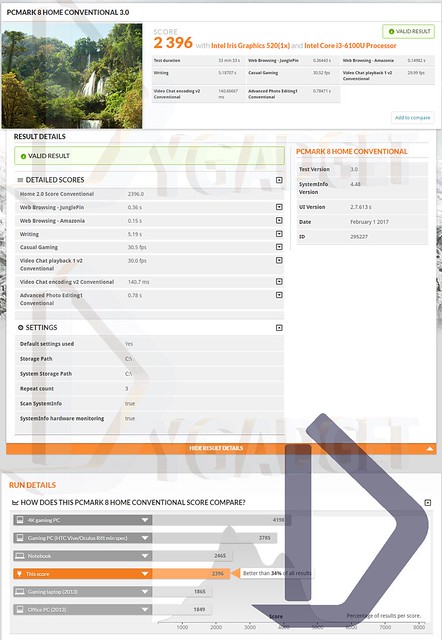
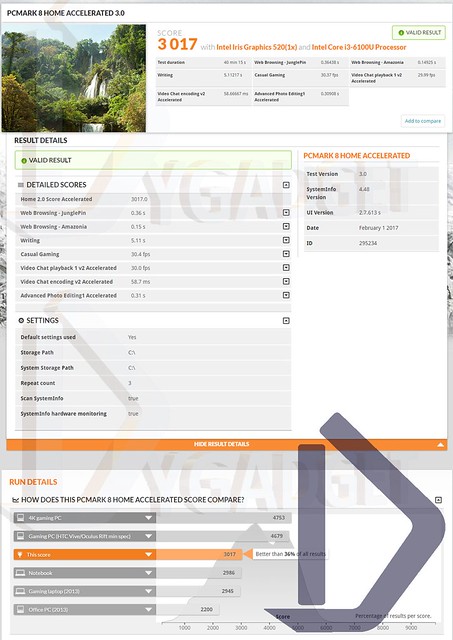
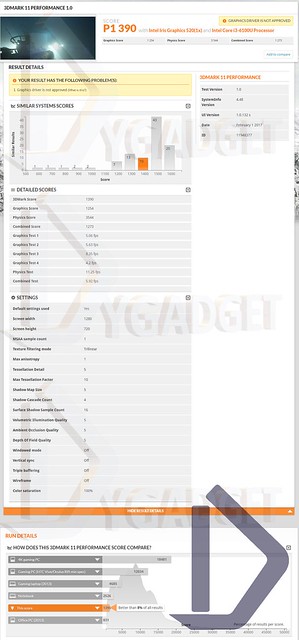
The benchmark is run using the unit I have. Not every unit have the same spec since it is fairly customizable, so this benchmark is just serve as a reference. Of course, you can even use it to compare to your current gear and see how it compare to yours.
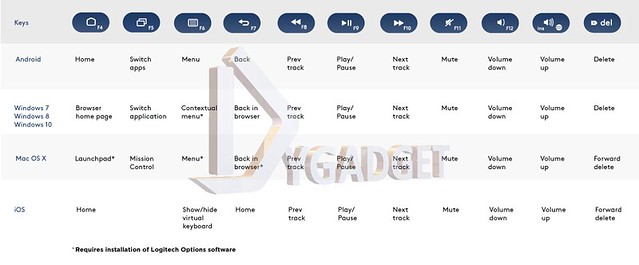
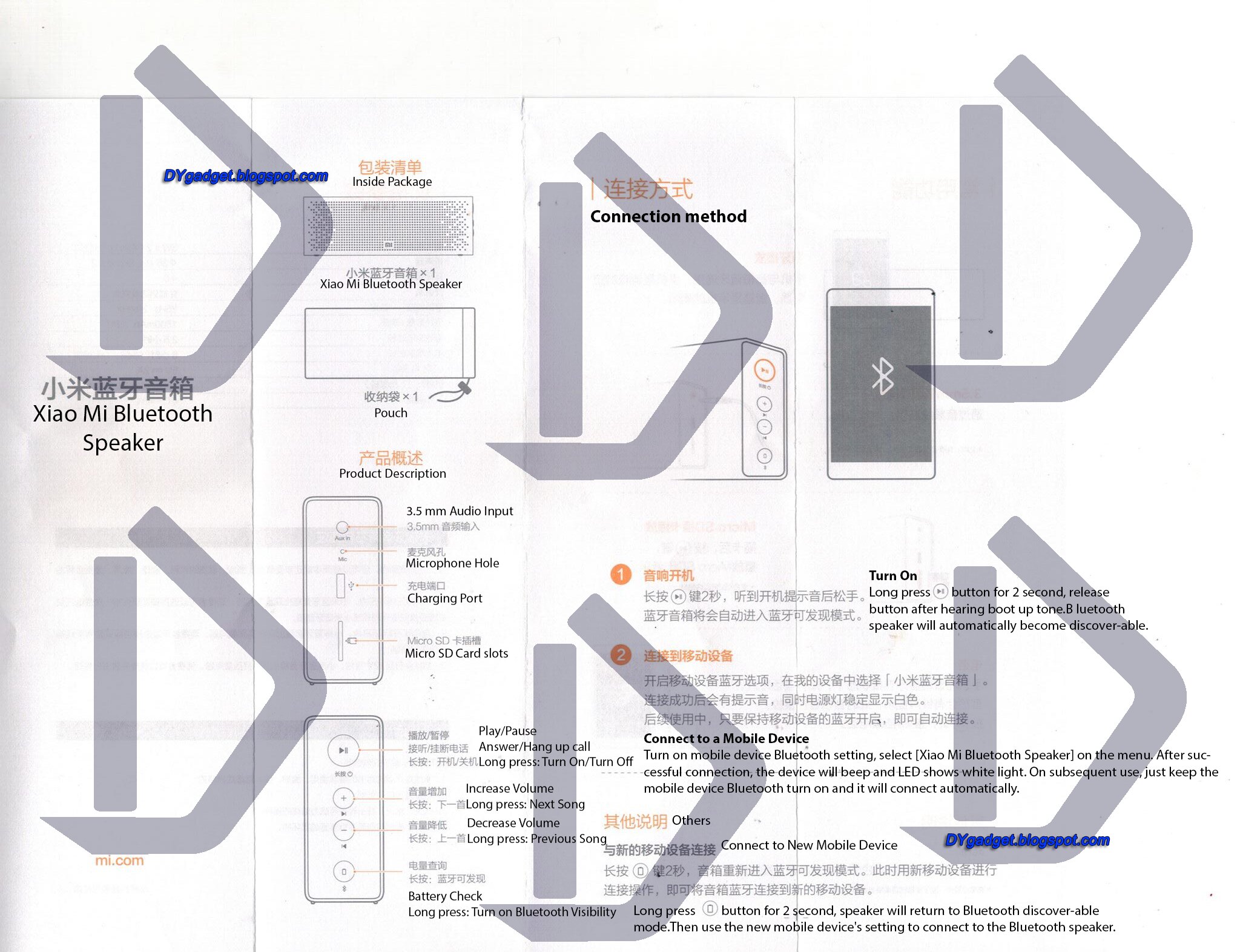
|<< Volume Down (TURN and HOLD), Prev (TURN)
>>| Volume Up (TURN and HOLD), Next (TURN)
>|| Music Play and Pause (PRESS and HOLD) AUX IN MODE
|<< Volume Down (TURN and HOLD)
>>| Volume Up (TURN and HOLD)
>|| Mute or Unmute (PRESS and HOLD)
USB/MicroSD MODE
|<< Volume Down (TURN and HOLD), Prev (TURN)
>>| Volume Up (TURN and HOLD), Next (TURN)
>|| Music Play and Pause (PRESS and HOLD)
FM RADIO MODE
|<< Volume Down (TURN and HOLD), Select stored frequency (TURN)
>>| Volume Up (TURN and HOLD), Select stored frequency (TURN)
>|| Auto scan radio channels (PRESS and HOLD)
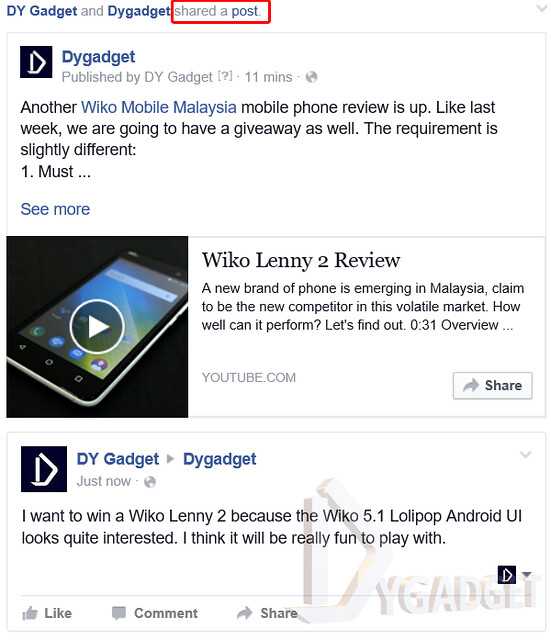
Another Wiko Mobile Malaysia mobile phone review is up. Like last week, we are going to have a giveaway as well. The requirement is slightly different:
1. Must be a Malaysian Resident and currently staying in Malaysia. (Sorry for to my foreign viewers, the phone's warranty is only for Malaysia)
4. In the comment section below, tell us why you want to win the Wiko Lenny 2 by stating a feature/ spec of the phone.
For example:
"I want to win a Wiko Lenny 2 because I really need the 1800mAH removable battery."
6. (Optional) If you are not sure whether we are able to view your shared post/comment or not, you can message us your post's url by right click on the time of the post and copy link address.
7. Contest period between 17th April 2016, 4 pm MST to 24th 2016, 4pm MST. So it's now or NEVER!
After the contest period is over, we will tabulate all contestant's info and put it into a randomizer to choose the ONLY winner. If we are not able to contact the winner within 48 hours, we will choose the next person on the line. So, make sure your Facebook is public and reply our message when we contact you.
1. You will need to reveal your Name, IC, and address to us for warranty registration and delivery.
2. The phone in the giveaway contest is NOT A NEW PHONE. The giveaway's phone is the review unit as shown in the review video.
3.DYgadget reserve to right to revoke any rules stated here for any unforeseen circumstances that jeopardize us, our sponsors or our stake holders.
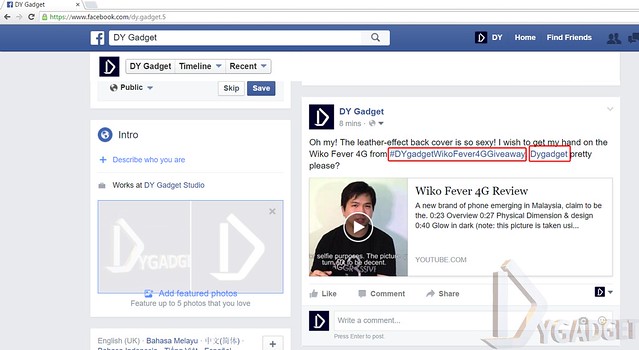
Hi, this is our first giveaway in Dygadget. Thanks for your continuous support on our blog and YouTube channel. Also, thanks to our sponsor Wiko Malaysia for sponsoring the review unit. One of you are going to win a Wiko Fever 4G smartphone from us, aren't you excited? Let's begin the steps to your free smartphone journey. May the odds be ever in your favor.
1. Must be a Malaysian Resident and currently staying in Malaysia. (Sorry for to my foreign viewers, the phone'a warranty is only for Malaysia)
3. In your Facebook profile/page that you have like our page in item 2 above, make a new post on your news feed, stating 1 feature/specification on Wiko Fever 4G. Don't know about the phone's feature or specification? It's time to check out our review video here: https://youtu.be/falKyrZC07M
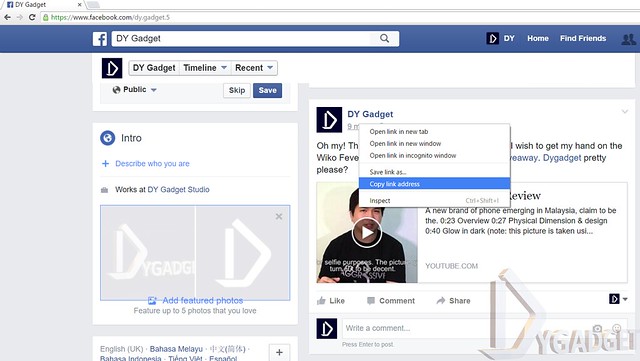
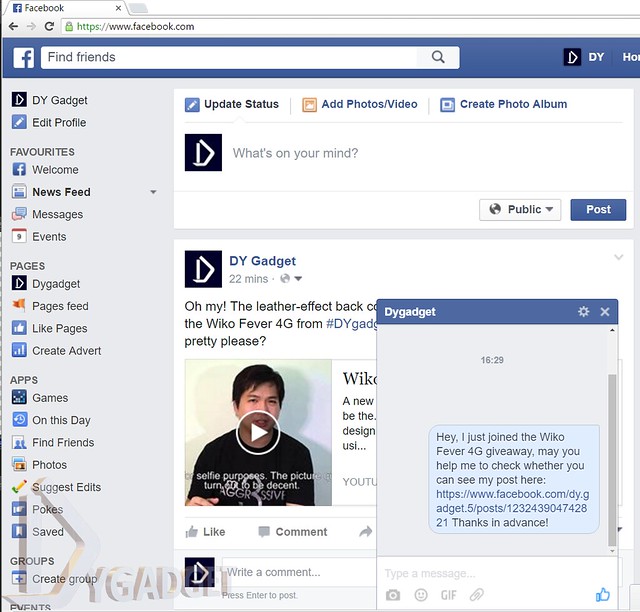
6. (Optional) If you are not sure whether we are able to view your post or not, you can message us your post's url by right click on the time of the post and copy link address.
7. Contest period between 9th April 2016, 6 pm MST to 16th 2016, 6pm MST.
8. Pray. Pray like your life count on it, like the sky is falling, like the sun stop shinning. May the odds be ever in your favor.
After the contest period is over, we will tabulate all contestant's info and put it into a randomizer to choose the ONLY winner. If we are not able to contact the winner within 48 hours, we will choose the next person on the line. So, make sure your Facebook is public and reply our message when we contact you.
1. You will need to reveal your Name, IC, and address to us for warranty registration and delivery.
2. The phone in the giveaway contest is NOT A NEW PHONE. The giveaway's phone is the review unit as shown in the review video.
3.DYgadget reserve to right to revoke any rules stated here for any unforeseen circumstances that jeopardize us, our sponsors or our stake holders.
In case you wonder why we haven't upload new video for the pass one and a half month. This is why. We ended Season 1 and we are in the mid of preparing season 2, while we do,
we celebrated our X69 th subscribers, but it ended earlier than we thought because some A$$hole decide to subscribe to us and end our 69th celebration. Good job, appreciate it from the bottom of our heart to all you A&&holes that subscribed to us. Hope we will have more 69th coming soon.
Btw, a trailer for Season 2 for you A$$holes.
Psst... the editor/producer have no idea when will Season 2 premier. Don't pressure her.... like she say, it will be SOON~~~
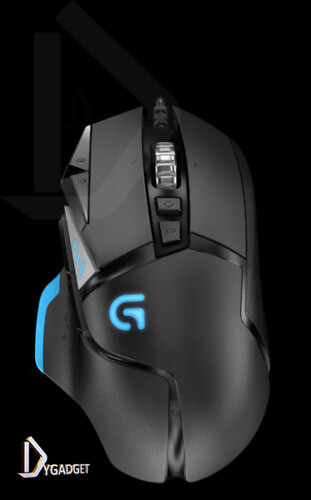
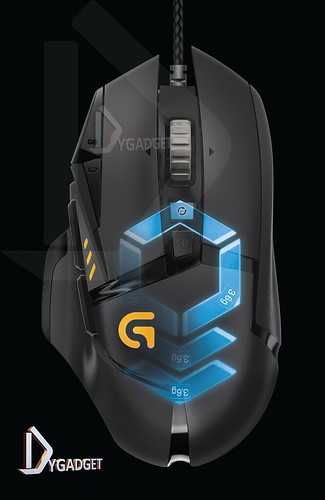
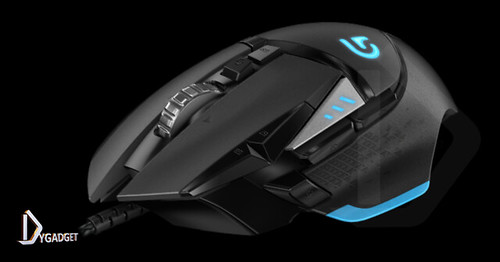
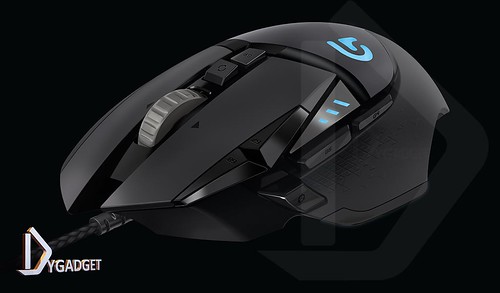
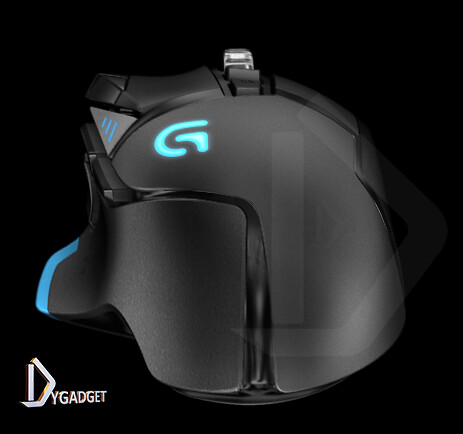
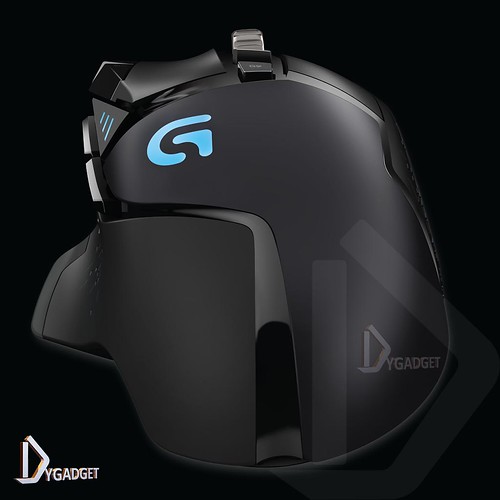
Read an interesting news yesterday about a new launch Logitech mouse. The mouse is called G502 Proteus Spectrum. The retail price was announced RM 369 which will be available in mid January. Like it's name, it look very similar like it's predecessor G502 PROTEUS CORE. Here are the comparison of release picture between Proteus spectrum and Proteus Core
Left: Proteus Core; Right: Proteus Spectrum
Top: Proteus Core; Bottom: Proteus Spectrum
Top: ProteusCore; Bottom: ProteusSpectrum
As you can see, both of them are almost identical except for some smaller details but the price is RM 90 difference (RM 369 vs RM 379)
Here is the announced key features of Proteus Spectrum Accurate and responsive optical sensor: The Logitech G502 Proteus Spectrum features a powerful and accurate optical sensor, the PMW3366, for maximum performance and tracking accuracy. Increase your reliable targeting with our exclusive Logitech G Delta Zero™ optical sensor technology. The Logitech G502 Proteus Spectrum also features a huge DPI range of 200 to 12,000 with zero sensor acceleration, zero smoothing or filtering, and zero pixel rounding. Surface tuning calibration: For optimal performance, calibrate the sensor against a gaming surface’s physical and reflective characteristics. Surface tuning optimizes the sensor dynamic range to match the properties of the mouse surface, which results in maximum high-speed performance and lower lift-off distance. Weight and balance tuning: The overall weight, as well as the center of balance of the mouse, can be customized based on the placement and number of a series of small weights. Add up to five 3.6g weights for personalized mass and balance. 11 programmable buttons: Great in default mode, but built to adjust to your style, the Logitech G502 Proteus Spectrum lets you set up one-button triggers, put push-to-talk in easier reach, temporarily down-shift DPI for sniping, or reassign any command or macro to one of the 11 programmable buttons. RGB customizable lighting: Match your style and environment by adjusting the mouse’s lighting with up to 16.8 million colors. Bring your mouse to life with breathing light patterns, or set your lighting to sleep when you aren’t using your system. Easy-to-program Logitech Gaming Software: In addition to syncing colors and light patterns with other Logitech G RGB gaming products, use LGS to tune its sensor to match your surface for maximum speed and lower lift-off. Program buttons with custom macros. Dual-mode hyper-fast scroll wheel: Logitech’s exclusive dual-mode scroll wheel gives you enhanced click-to-click precision for gaming and blazing scrolling speeds for the Web. Comfortable shape: Textured rubber grips and a convenient button layout give you great feel and performance.
We are particularly interested in the RGB customization lighting. We wonder if the lighting change with the desktop color scheme? That way it will be really interested.
Here is the basic specification: System Requirements: Optional software download works with Windows® 7 and higher Powered USB port Internet connection and 100MB hard drive space (for optional software download) Product Specifications: Dimensions (L x W x D): 132 mm x 75 mm x 40 mm Weight 168g (mouse plus cable) 121 g (mouse only) Up to 18g of additional weight tuning Warranty 2-year limited hardware warranty
Yes, as you can see we are having a new logo, the big D. It's not just a simple D, there are more subtlety to it. It commemorating the new format of our YouTube channel. Start from September 2015, we will start our first season. In this new season/format, we will release a video each week. The season will last for 3 months. Just a sneak peak, other than our regular review video, we will also have some gadget related skit. Just subscribe our YouTube channel for the first hand update here: https://www.youtube.com/dygadget
As a bonus, I am attaching the first video of the season, Olympus OM-D E-M10 Mark II Review
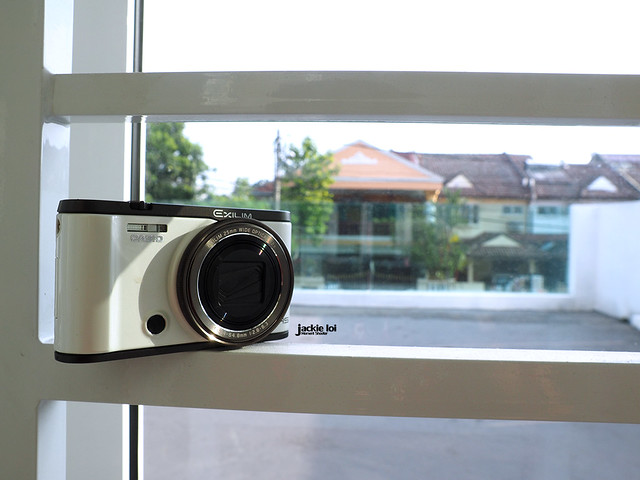
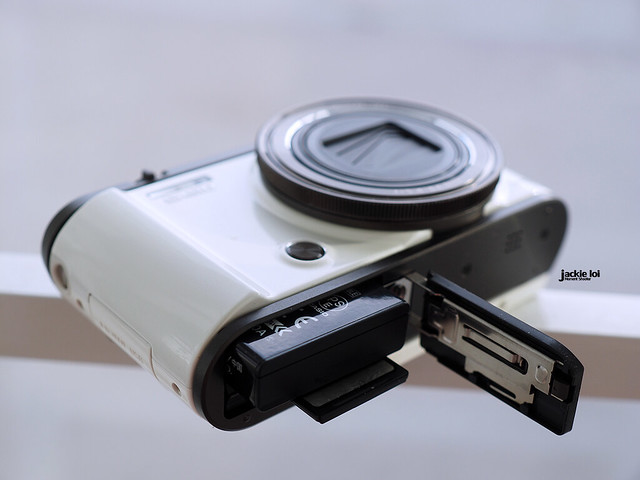
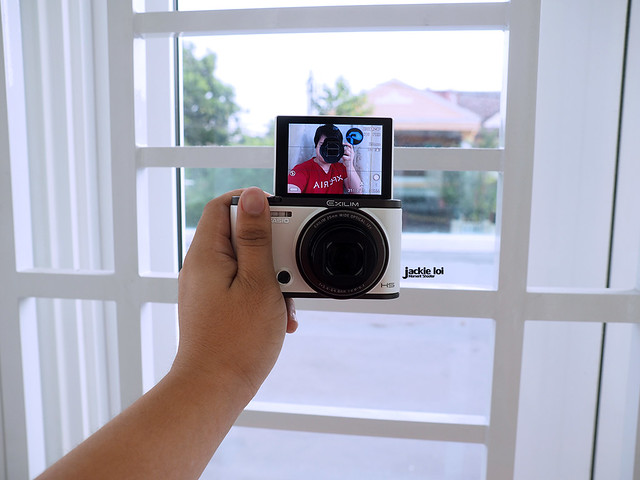
Here, I got a limited time spent with Casio ZR3500. Without wasting time, I grab it for street shooting on the next day I got it. Nop, I am not gonna mentioned anything about the beauty mode in this camera. Just feel free to look for #casioZR3500 in Instagram and I am pretty sure those photos have more power to convince you than my selfies. What I am gonna do with this camera is, I gonna treat it like usual camera (let's ignore the beauty mode) and see how much it can perform. Will this camera live up to my expectation with the RM1290 price tag? Stay tune and see.
Here are the things you need to know from the camera before proceed to the written review. Pardon my broken English. Haven't had my coffee on early morning.
Some quick glance through for the Casio ZR3500 key specification :
12 megapixels
1/1.7-inch high-speed CMOS sensor
EXILIM Engine HS Ver 3 image processor
25-300mm F2.8(W) to F6.3(T)
Optical zoom:12X, Multi SR Zoom:24X, Digital zoom 4X, Maximum digital zoom:93.6X (in combination with HD Zoom, 3M size)
3.0-inch TFT color LCD (Super Clear LCD) and 180 degree tiltable
Built in Wi-Fi and Bluetooth
1920 x 1080 (30fps) video recording
Lithium Ion Battery (NP-130A)
108.3(W) x 61.5(H) x 36.7(D) mm
248 g (Including Battery and Memory Card)
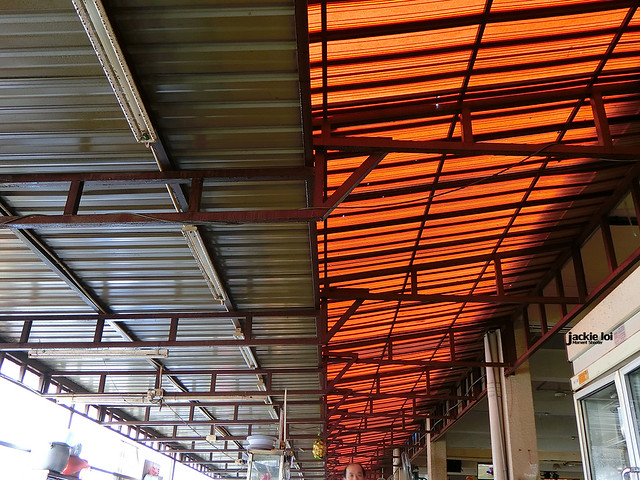
Here are the photos taken on Pudu street market. The beauty mode was turn off during the whole shooting session. All photos SOOC.
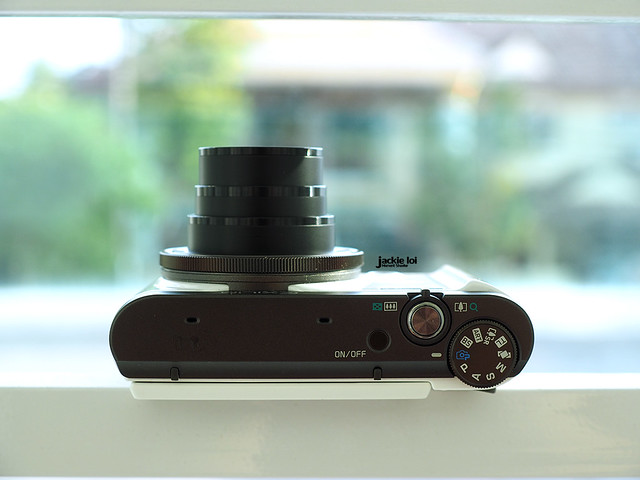
The camera feels small if to compare to my current micro four thirds gear I had. For instance, someone with large hand like me, shooting with such small camera can't seem to secure itself w/o a proper grip. Other than that, the overall feel solid and good. I do like the idea of putting front shutter; giving more flexibility when selfie. The flip screen also helps alot when I am doing high or low angle shoot on the street.
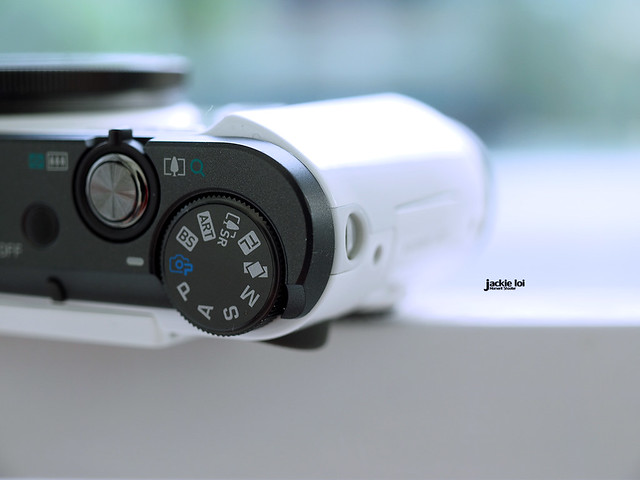
On software side, it feels pretty much half bucket. It offers options to photographer to shoot in PSAM mode, but did not provide exposure meters nor live view to show the exposure. It will only trigger when I half press the shutter button (refer to the video above for the demo). This makes the whole shooting progress slower and I risk missing one in a life time moment. Hence, I gave up and try to go for RAW format. I couldn't find it at first as it wasn't under image format like usual camera nor PSAM mode. It was hidden under BEST SHOT mode. By using RAW, the camera limitation begin where it'll goes to 35mm F3.2 on wide. Not a big deal for a day time but I hate the half bucket effort so much!
The camera actually offer 300mm zoom in exchange of slower aperture, F6.3. Again it wasn't a big deal on day time but like other subpar camera, the ZR3500 suffer from focus hunting on zoom. However, it focus very quickly on wide open and not a problem at all shooting with it. I do love how wide 25mm is despite I wish it is 21mm instead. The wider the better for a wide junkie like me. F2.8 is sufficient; if you're shooting on close up subject, you'll get bokeh. Coming from Olympus that has 5 Axis IS on body, I felt the ZR3500 5 axis IS nearly didn't exist.
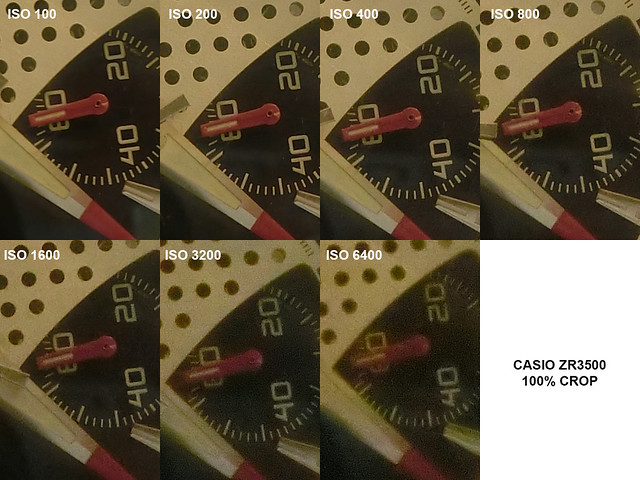
Did a very quick ISO test with 100% and the camera done perfectly on ISO 400 and below. On ISO800 details started to smudge and color begin to shift on ISO 1600 and above.
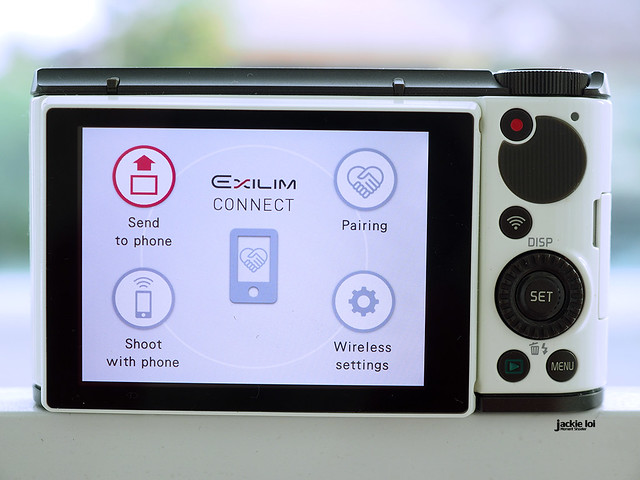
The Casio Connect work flawlessly to me. As long as it is pair properly to the smartphone, the connection is almost instant. Yup, Casio Connect is available for both play store and iTune.
For me, this camera does what it do best. It is not so suitable for fast moving object due to the factors I mentioned above. If you're the type love taking selfie, foods, scenery or any subject which are not moving and you can take your sweet time, yes I would recommend this camera. It is undeniable a good looking camera that easily attract female with affordable price tag.